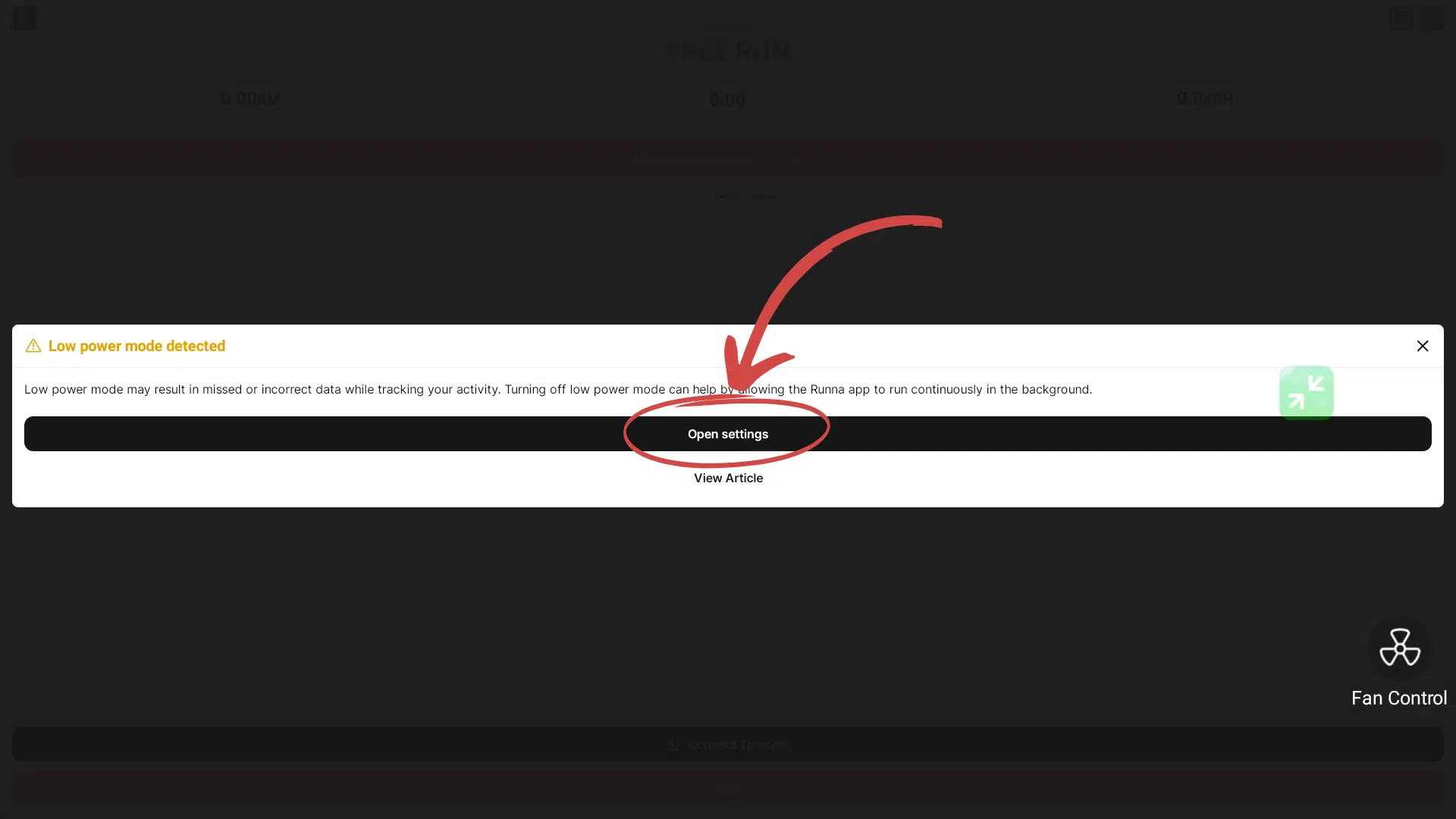
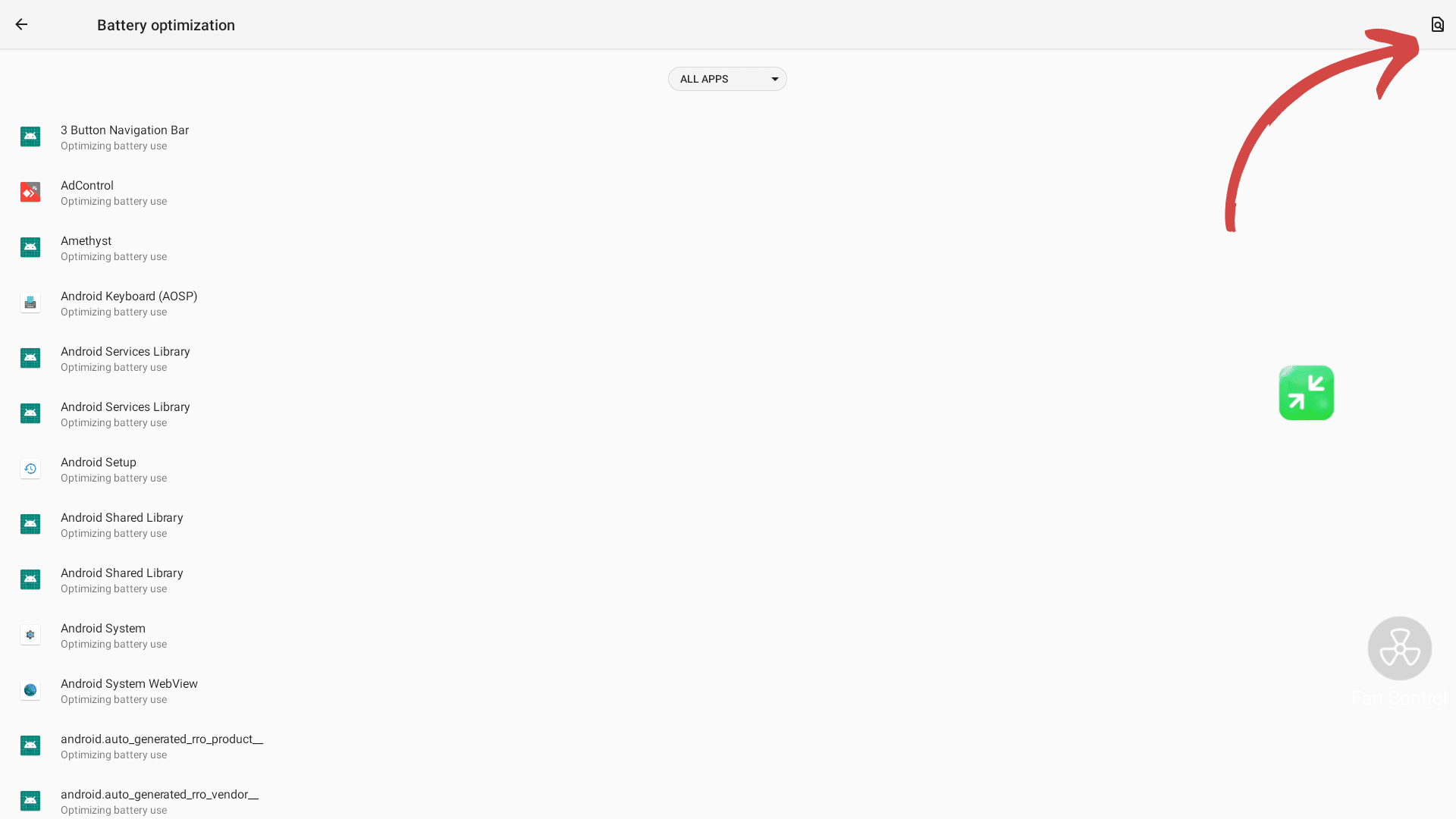
This article explains low power mode and how to turn it off for specific apps. Most apps are installed with the low power mode enabled. In most cases, this does not cause any issues, but some apps might require it to be turned off. The steps below will guide you on how to turn off low power mode.
Step 1
If Low Power Mode must be disabled for an app, it will generally display a notice and a link to the settings menu.
Step 2
In the Settings menu select the “Not Optimized” option.
Step 3
Search for the respective app.
Step 4
Select the “Don’t optimize” setting and select “DONE”.
InformationThe Low Power Mode should now no longer show in the app.