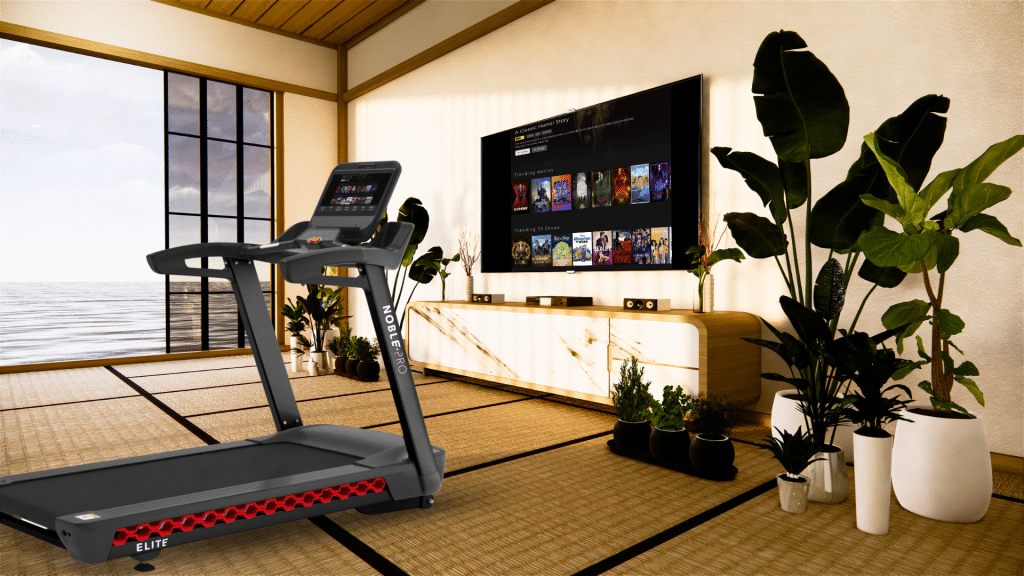
Chromecast with Google Home
The E10i support in-app screencasting and screen mirroring. The steps below will guide you through how to screen mirror your treadmill screen to a compatible network display using Google Home. Casting or Mirroring? It is important to remember, even though it is called Chromecast, we are discussing screen mirroring (duplicating your screen) only. Read more […]
How to connect Bluetooth Input
Here we are going to provide some insight on how you can connect your devices to use alongside your E8ix / E10i treadmill to enhance your workout experience by using your treadmill as speakers. How do I connect my devices? Go to the Settings screen Select the Bluetooth Icon Choose Audio Input Scan and search […]
How to connect your heart rate monitor
The NoblePro E8ix / E10i have hand grip heart rate monitors on the main console, but if you are wanting a little more accuracy, we recommend purchasing a chest heart rate monitor. Only Bluetooth low energy (BLE) compatible devices will connect to the NoblePro Elite treadmills. Please refer to individual manufacturer specifications for BLE information. […]