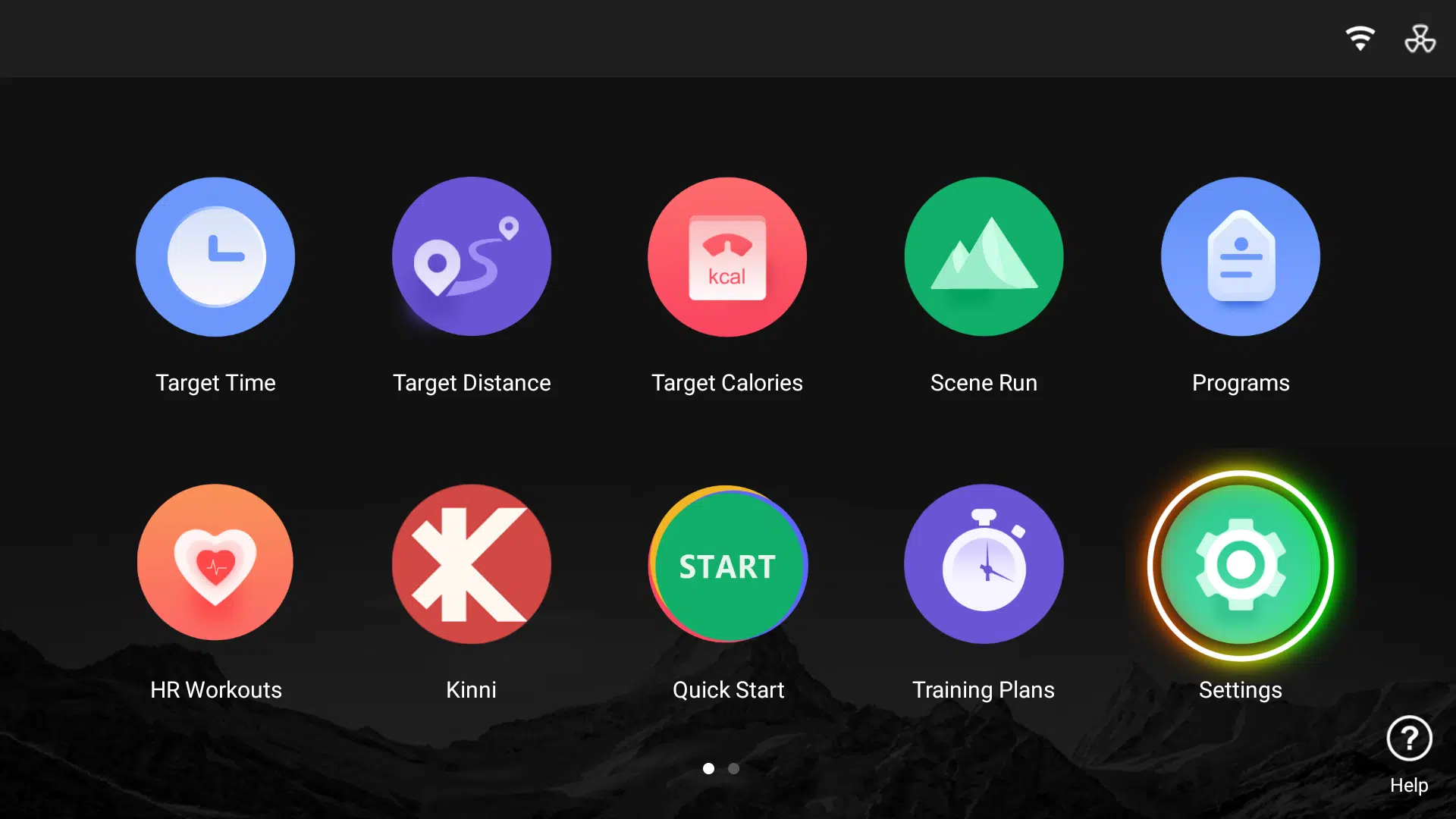
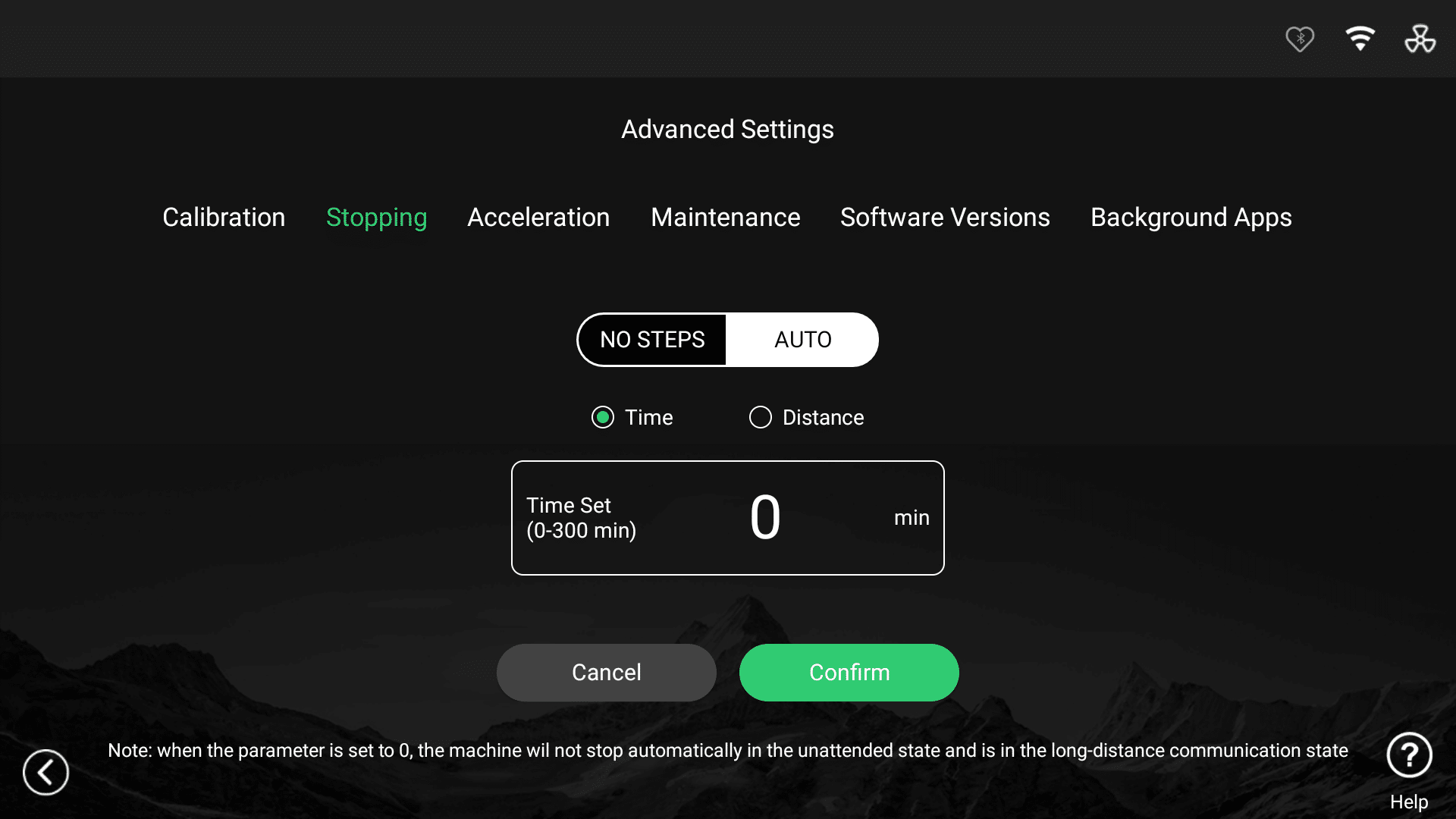
This guide provides step-by-step instructions on how to set the automatic stopping features.
What are Stopping settings?
The Stopping menu controls when the treadmill will automatically bring the moving belt to a stop. These settings are intended to prevent the treadmill from continuing to run for longer than expected, but they do not all work in the same way.
There are two separate stopping controls:
- No Steps is an inactivity-based safety feature. It starts a countdown when the treadmill no longer detects foot strikes on the belt.
- Auto is a fixed workout limit. It stops the treadmill when the selected total time or distance is reached, even if someone is still actively using it.
The two controls operate independently. Setting one value to 0 disables only that particular stopping rule; the other rule may still remain active. It is therefore important to check both No Steps and Auto if the treadmill is stopping unexpectedly.
These settings control the belt stopping rather than switching off the treadmill console. They do not replace the normal Stop control or safety key. Only review or change stopping settings while the belt is fully stopped and you are safely off the treadmill.
No Steps
No Steps stops the belt when the treadmill has not detected any foot strikes for the selected period.
- The available setting is 30–600 seconds.
- Set the value to 0 to disable No Steps stopping.
Auto
Auto places a fixed limit on the overall treadmill session. It can be based on either:
- Time: 0–300 minutes; or
- Distance: 0–50 km.
The Auto limit continues to apply while the treadmill is being used. It is not reset by foot strikes, interaction with the console, standing on the side rails or using a connected heart-rate monitor.
Important: A non-zero Auto Time value takes priority over Auto Distance. If you want to use a distance limit, first set Auto Time to 0, select Distance, enter the required distance and confirm it.
Why does the treadmill say it is about to trigger an automatic shutdown?
The following message appears shortly before the treadmill reaches its configured Auto limit:
“It is detected that the treadmill is about to trigger an automatic shutdown, please pay attention to safety!”
The warning normally appears:
- during the final 10 seconds before an Auto Time limit; or
- during the final 100 metres before an Auto Distance limit.
When the configured limit is reached, the treadmill will stop the belt automatically. In this message, “automatic shutdown” means an automatic treadmill/workout stop. It does not normally mean that the console is powering off or that the treadmill has detected overheating.
Be prepared for the belt to stop. Only change or investigate these settings while the treadmill is safely stopped and you are off the belt.