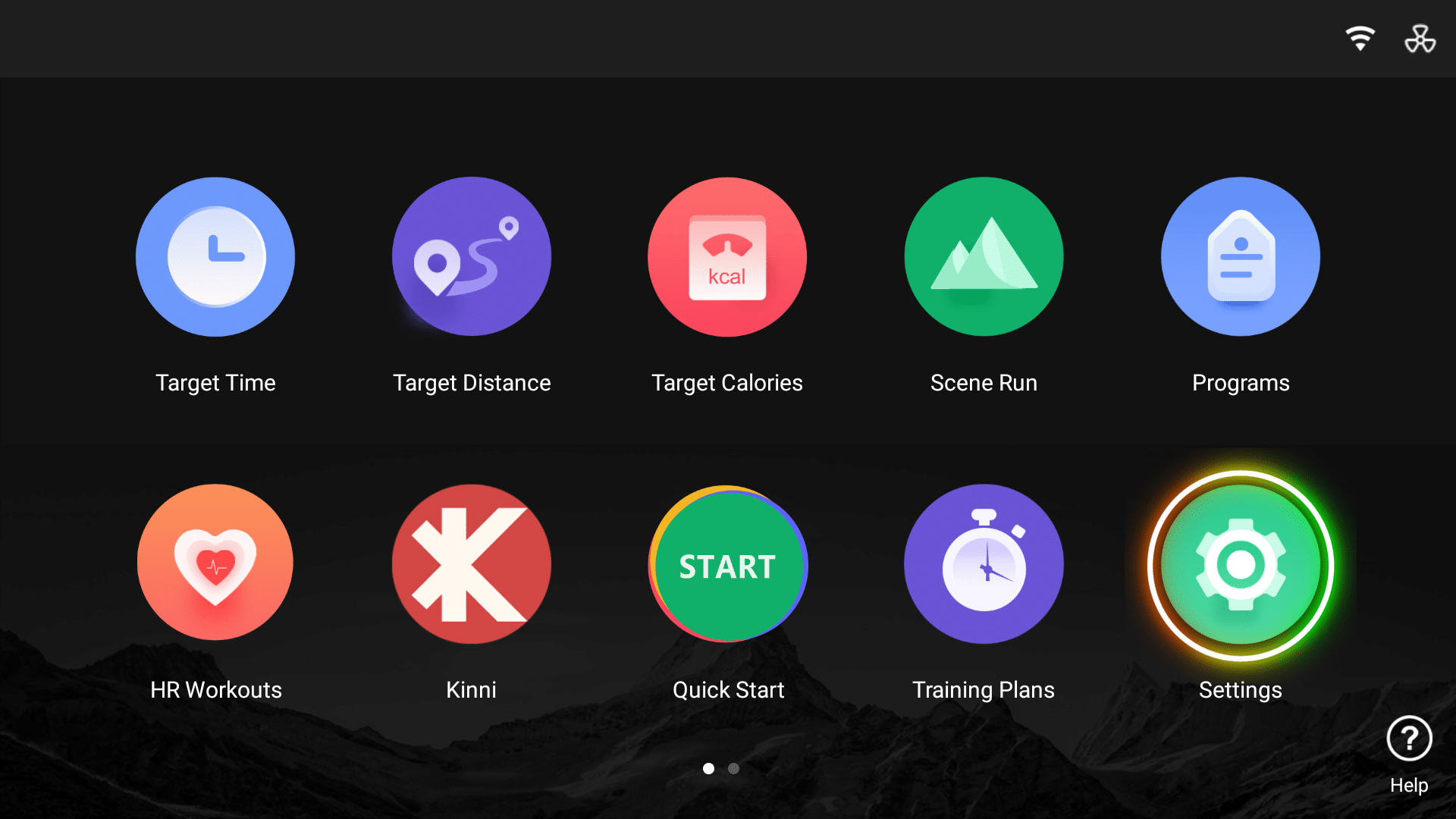
This guide provides step-by-step instructions on how to check and update the software version on your NoblePro E10i / E8ix treadmill.
2. Select the Software Version tab
3. Here you can view the Software Versions required
3. Select the Check for Update button. Please ensure you are connected to a stable WiFi connection
4. If there is an update available, you will be prompted to update the software at this point
Need help? Start your support request online and we’ll connect you to the Support Team.
Nova is AI and can make mistakes.