



This guide provides step-by-step instructions on how to change the written language on your E8ix / E10i treadmill screen.
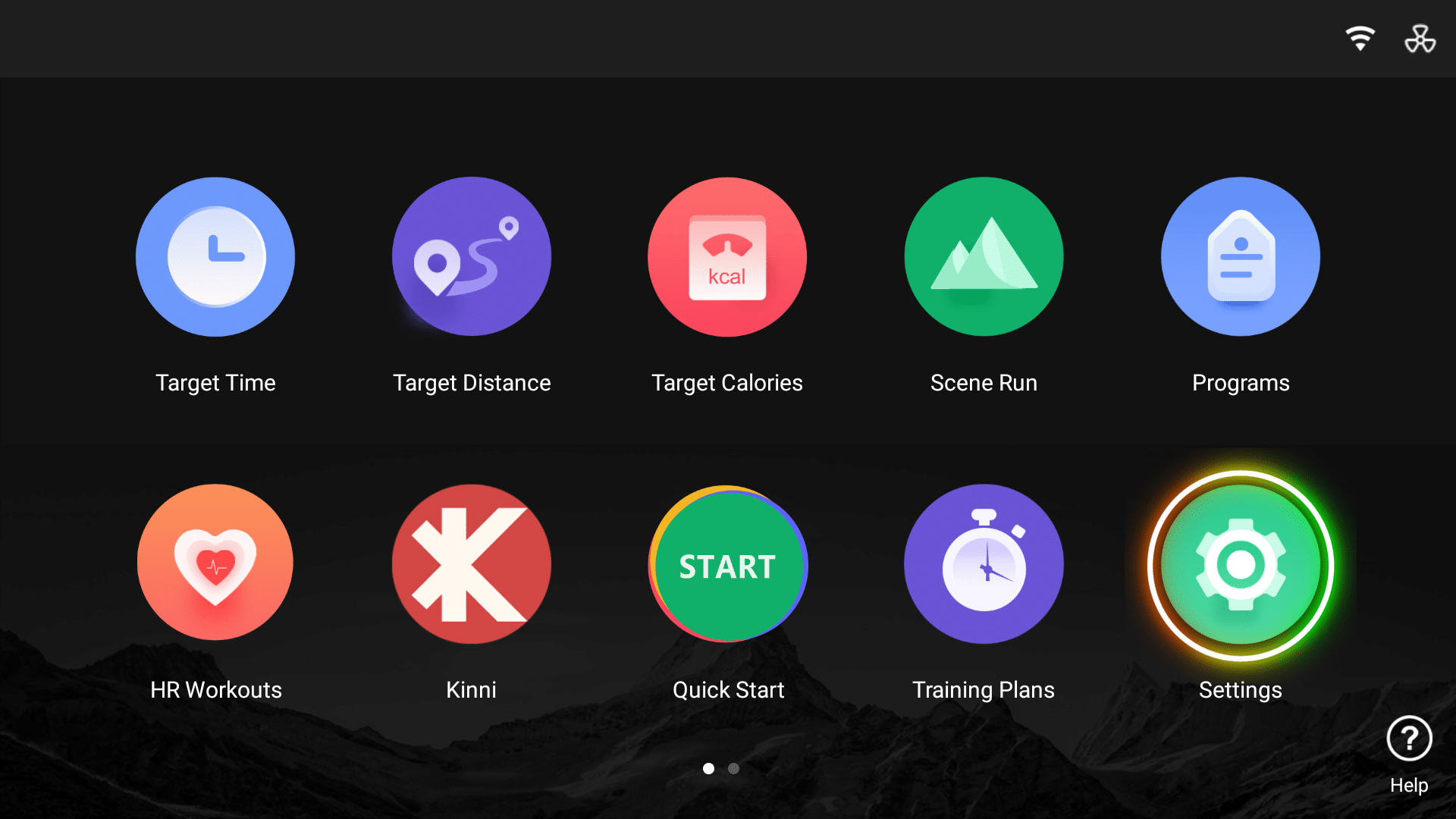

1. Go into settings
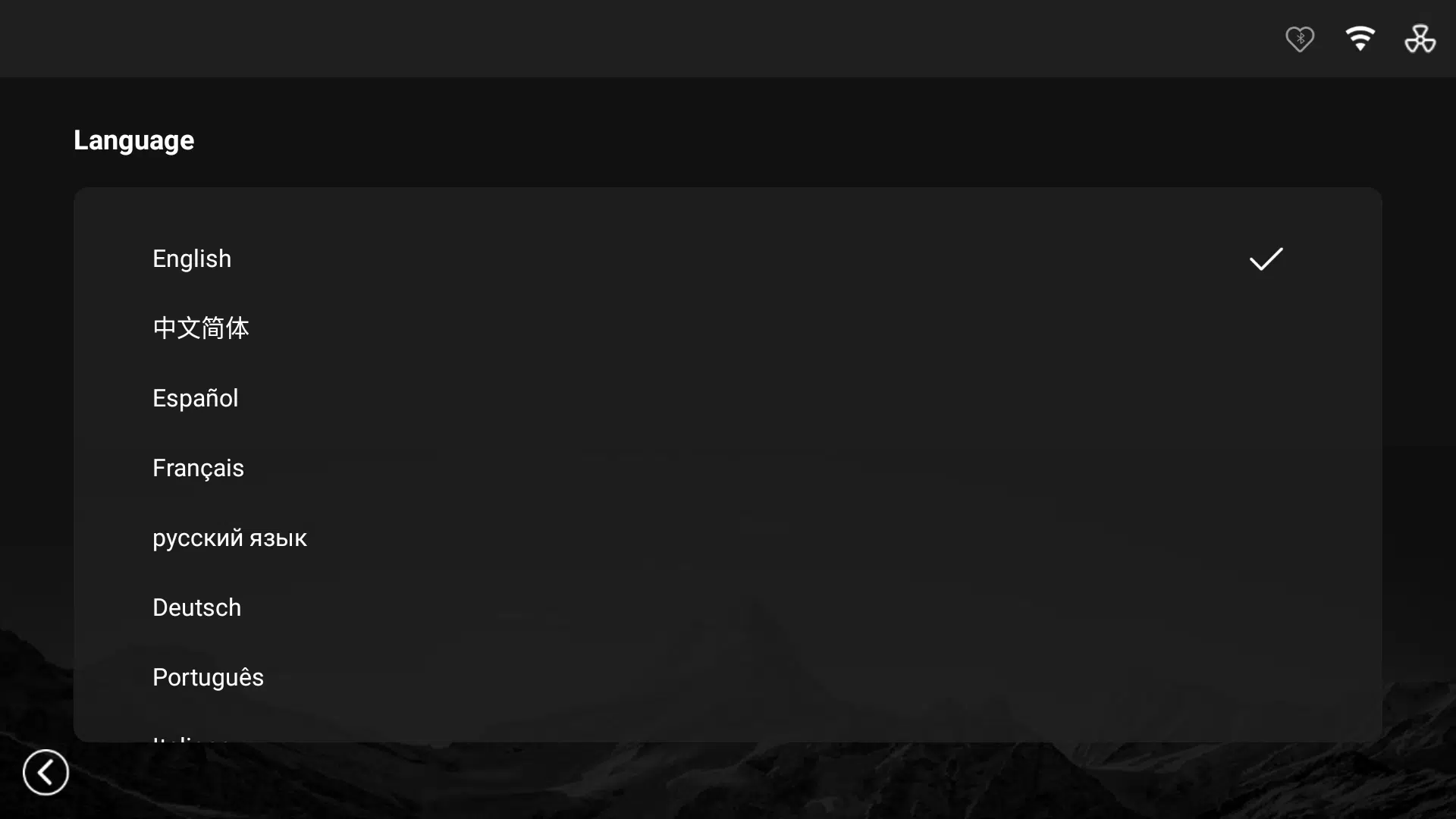
2. At the bottom right of the screen select Language to display language options.
3. Select the language you wish to activate (this will be shown with a tick next to chosen language).